Mobile Login
What to do once you are in the Login Screen.
Requirements
- Having successfully installed EZFN - Fortnite on your device
Getting Started
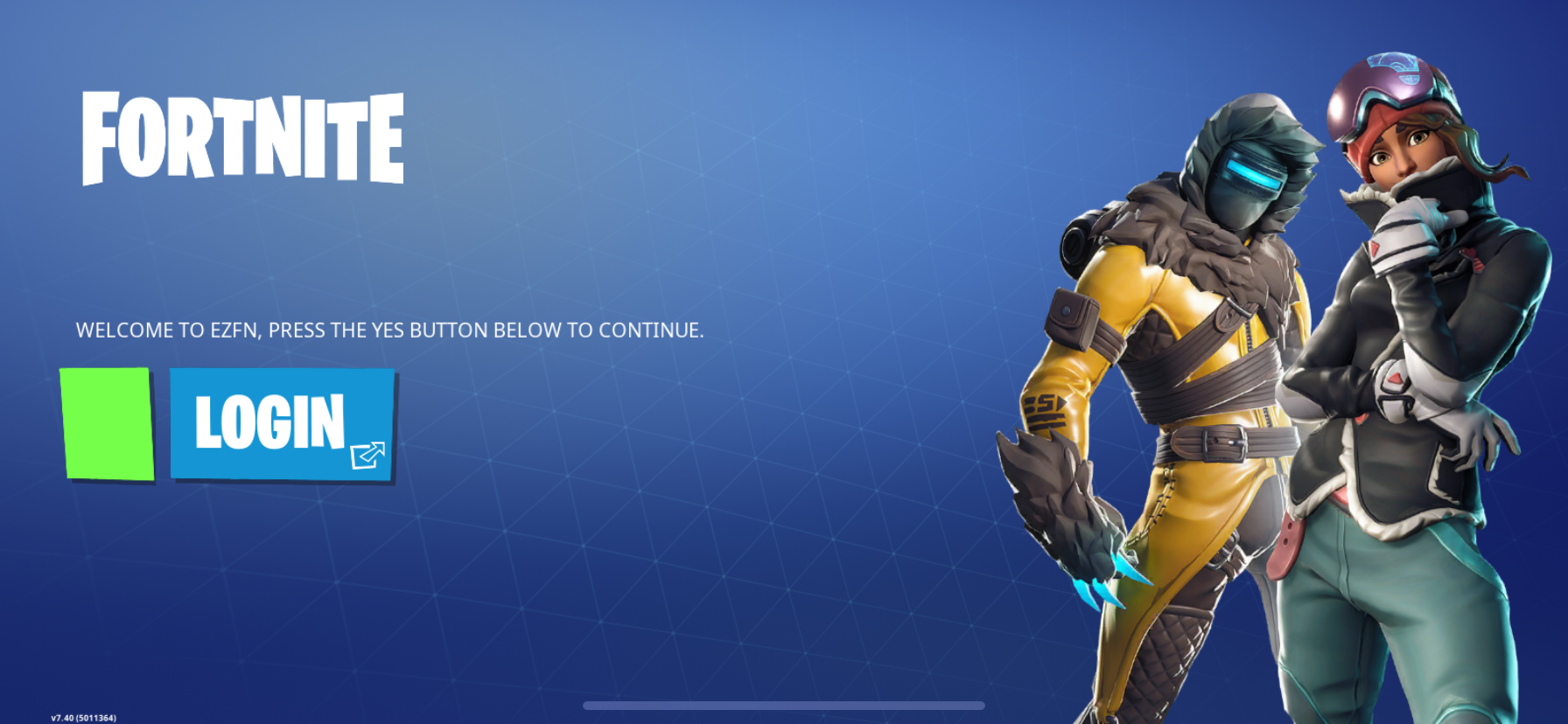
After you open EZFN - Fortnite for the first time and the download has been completed, you will need to login.
Press LOGIN
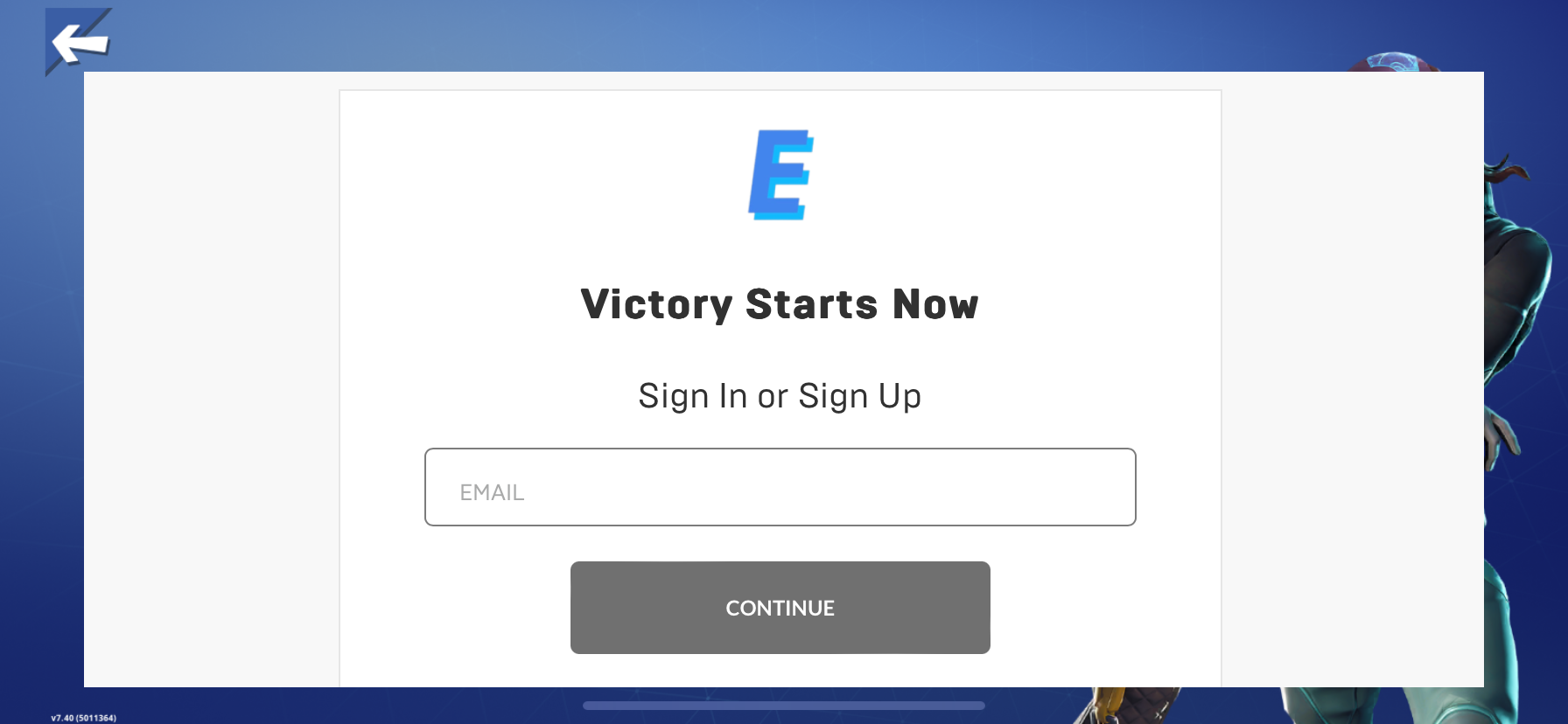
Now enter your email
You will now be asked to enter all the required information to create an account
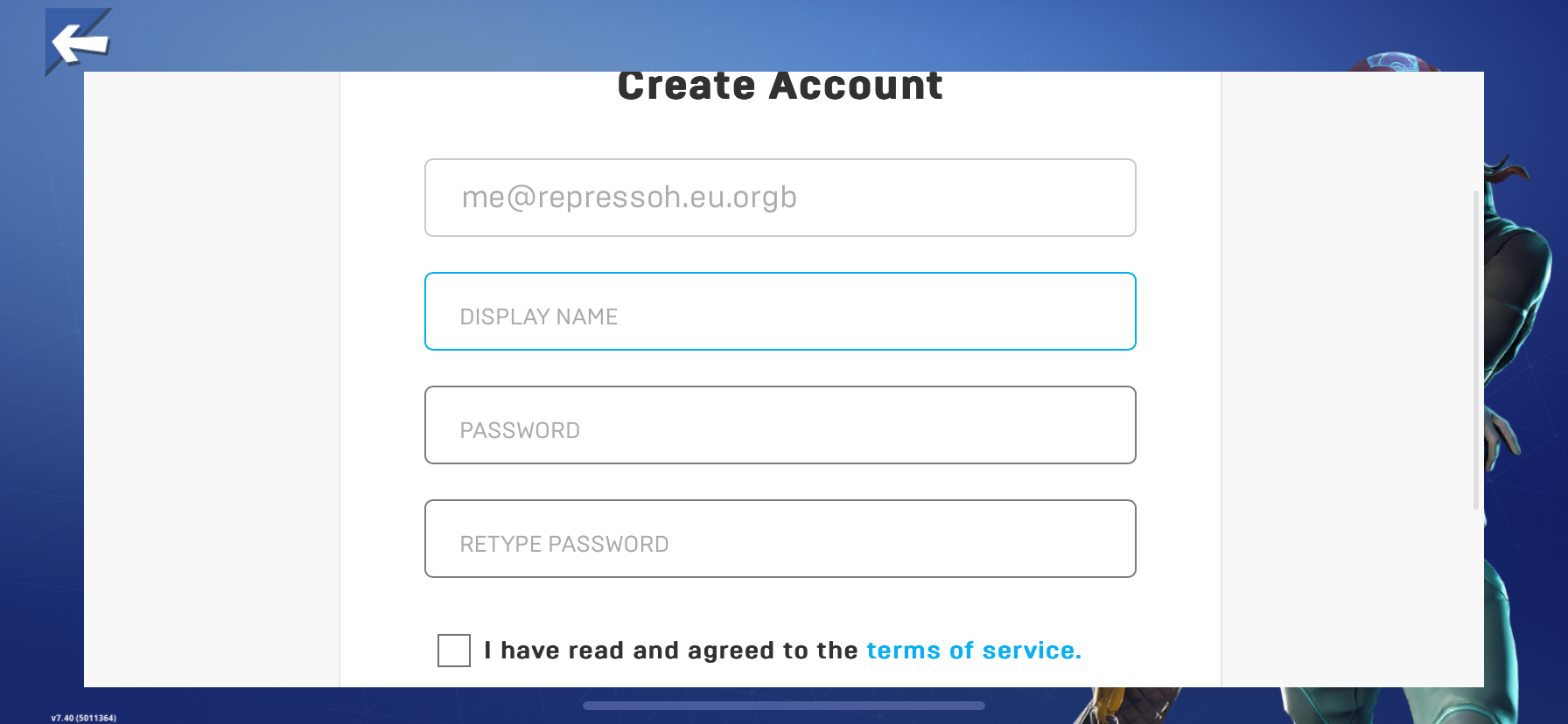
After entering all your information, click on the “REGISTER” button at the end of the page.
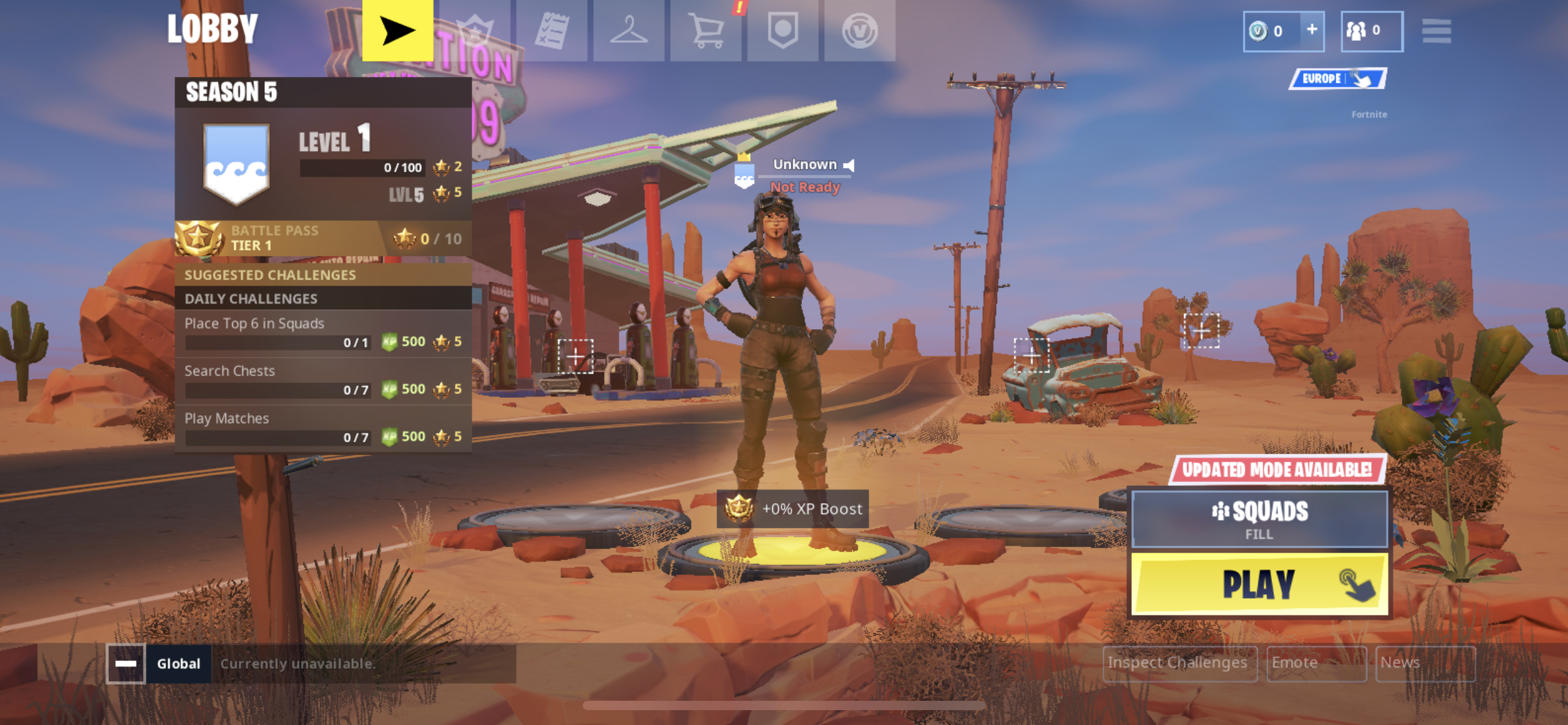
If everything worked you should now be able to play :)
Issues
No known issues for now!
Need more help?
Get support in the Discord Server.